Free
Free Resources
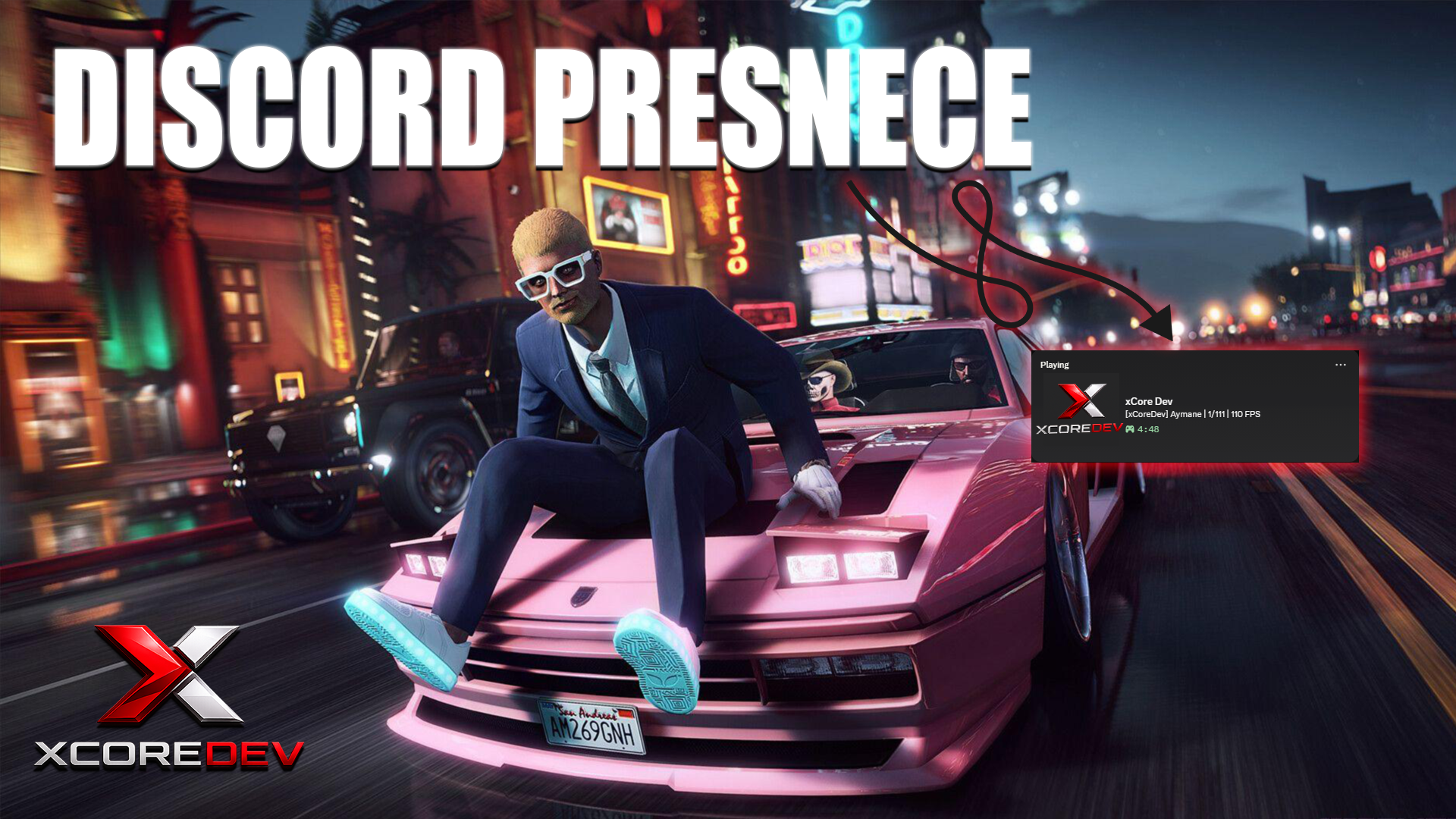
Discord Rich Presence
Shows server name, player count, and live FPS in Discord's Playing status.
- Standalone
Free Resources
See who's on your frequency, and who's talking.
A draggable, customizable PMA-VOICE radio list for ESX and QBCore.
XCS-RADIOLIST A modern, clean radio list UI for PMA-VOICE. See who's on your frequency and who's talking — fully customizable by each player. Features Auto-detects PMA-VOICE — shows/hides automatically when players join or leave a radio channel Live talking indicator — green glow + "LIVE" badge when someone is transmitting Fully customizable per player — every setting saves to their profile Draggable UI — players can move the panel anywhere on screen with confirm/cancel 9 color presets + custom color picker — Purple, Violet, Amethyst, Cyan, Emerald, Coral, Gold, Rose, Ice Adjustable size — scale from 60% to 150% Adjustable transparency — 0% (invisible) to 100% (solid), default semi-transparent Minimize button — collapse to header only ESX & QBCore support — uses RP names, callsigns, and job-based access Custom radio names — players can set their own display name via /radioname Persistent config — all settings saved per player license in playercfg.json Commands /radiolist — Open the settings panel (color, size, opacity, position, visibility) /radioname [name] — Change your display name on the radio Dependencies pma-voice Installation Place xcs-radiolist in your resources folder Add ensure xcs-radiolist to server.cfg (after pma-voice) Restart server Config Options Toggle RP name usage (ESX/QBCore) Show/hide server ID next to names Restrict radio list to specific jobs Named radio channels Custom notification system Default visibility toggle
No reviews yet. Bought this resource? Share how it runs on your server.
Free Resources
Shows server name, player count, and live FPS in Discord's Playing status.